North India Statesman
[ad_1]
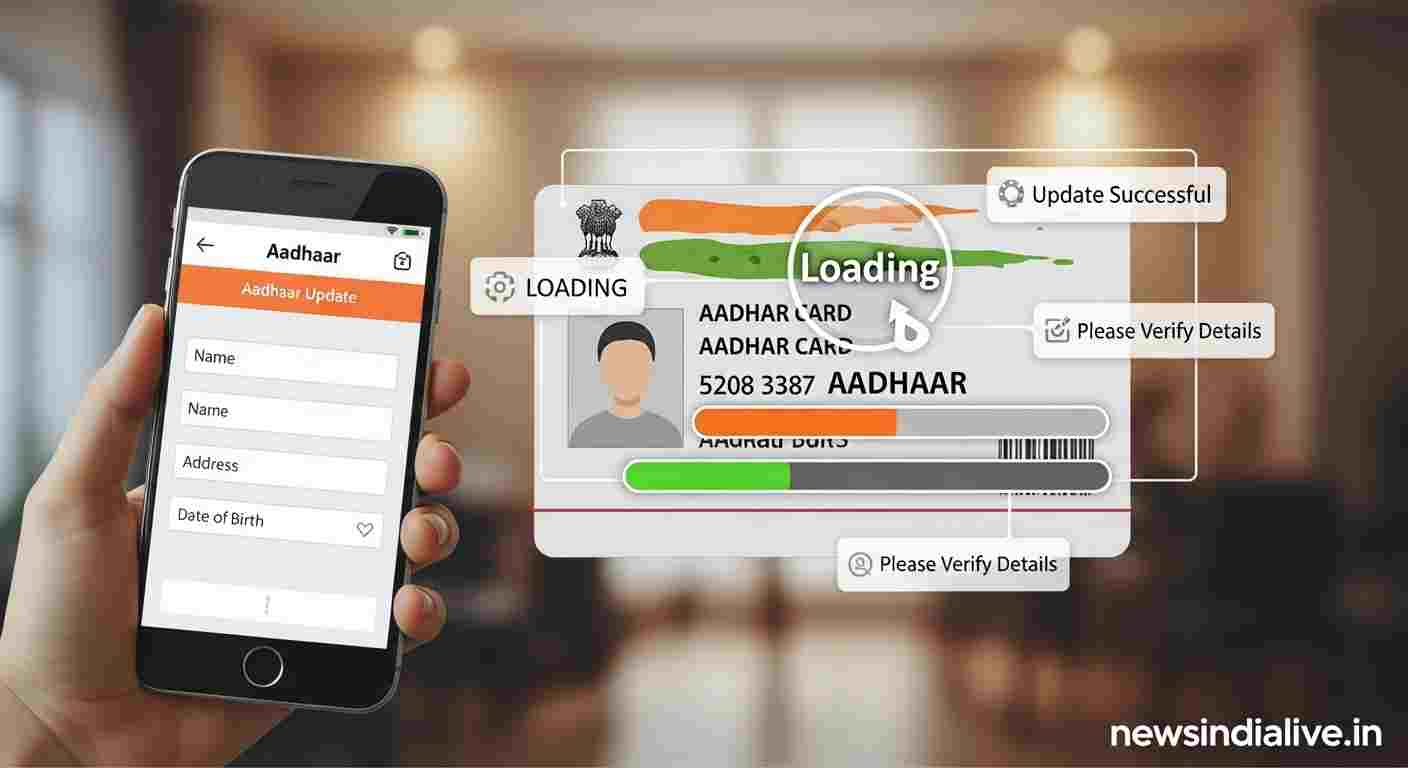
Whether you have changed the city due to a new job or you have moved to your husband’s house after marriage, one worry troubles everyone – how to get the address changed in government documents? Especially Aadhar card, which is used everywhere today. After marriage, many women have to add their husband’s name and address in their Aadhaar card instead of their father’s name.
If you are also in the same dilemma, then there is a very good news for you. Now you can change your address in Aadhaar card without any hassle and even without any address proof in your name. Yes, you read it right! Come, let us know how this is possible.
How to change address and add husband’s name in Aadhar card?
There are two ways to change address in Aadhar card online. The first method is simple – you upload any valid document of your new address (like electricity bill, rent agreement etc.).
But the second method is a boon for those who do not have any address proof in their name. This ‘Head of Family (HoF)’ It is called the method. In this, you can make your husband the ‘head of the family’ and change your address with the help of his Aadhar card.
Understand the complete process step-by-step
You can do this work sitting at home from your phone or laptop. Just follow the steps given below carefully:
- First login: Go to the official website of Aadhaar card (myaadhaar.uidai.gov.in). Our Log-in with the help of Aadhaar number and OTP.
- Select the address update option: After logging in, click on the option of ‘Update Address’. Here you have to choose the option of ‘Head of Family (HoF) based Address Update’.
- Now fill in your husband’s details: On the next page, you have to enter your husband’s Aadhaar number.
- Upload Self-Declaration Form: Select ‘Self-Declaration – HoF’ in Document Type. A small form will come, fill it and upload it.
- Make payment and save receipt: After this you will have to make online payment of ₹ 50. After payment you will get a receipt, download it. There will be an SRN number written on this receipt, which is very important.
- Now your husband’s turn: Now you have to log out. After this, your husband has to log in to the same website with his Aadhaar number.
- Approve the request: After logging in, they have to go to the option of ‘My Head of Family Request’. Here they will approve your request by entering your SRN number.
That’s it, your work is done! Your Aadhar card will be updated within 30 to 90 days after the completion of this process. You can also download the new Aadhar card online and it will also be sent to your new address by post.
So now say bye-bye to the tension of changing address and update your Aadhar card in just a few clicks!