 North India Statesman
[ad_1]
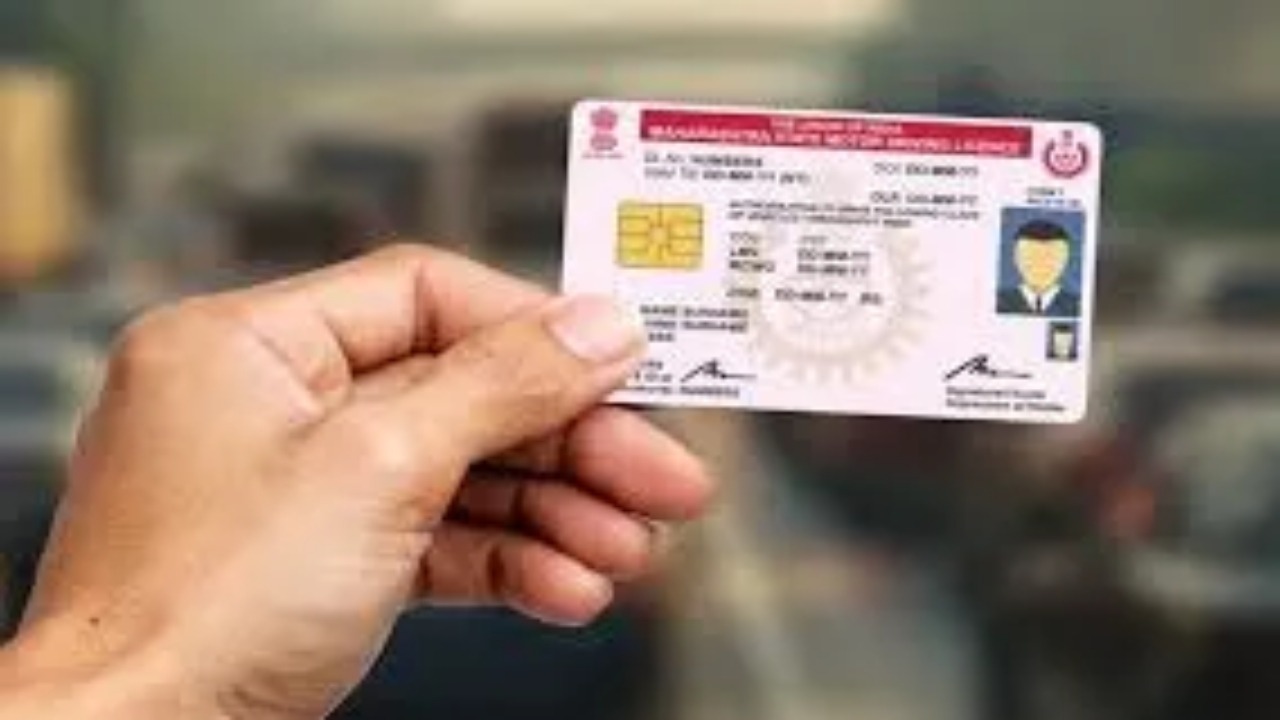
Imagine, you are on the highway, the speed increases a bit and the camera flash flashes! Or else, you parked your car by mistake in a no-parking lot and the traffic cop took a photo. Now for months there is tension in your mind whether the challan has been deducted or not? Will there be no notice at home?
And many times we come to know only when the matter reaches the court!
So, now to remove this biggest worry and headache of yours, the Central Government has made a new and very important rule. The Ministry of Road Transport and Highways (MoRTH) has now made it mandatory for every vehicle owner to link/update their mobile number with both the RC and Driving License (DL) of their vehicle.
So what is the ‘big benefit’ of this ‘small work’?
This isn’t just another government rule, it’s a great step forward to make your life easier.
- The phone will ring as soon as the challan is deducted! Its biggest advantage is that now as soon as a challan is issued for your vehicle, its notice and the amount of fine will be sent to you. SMS directly to your registered mobile number Will come through. No more ‘surprises’!
- Freedom from RTO hassles: In future, many vehicle related tasks, like registration renewal or change of address, will be able to be done online while sitting at home, because your mobile number will be verified.
- All information at one click: You will get all the important updates and notices related to your vehicle immediately.
So how to do this? (Just 5 minutes online process)
You do not need to go to any RTO office. You can do all this work from your phone sitting at home.
1. How to link mobile number to vehicle RC?
- step 1: Official website of Transport Department parivahan.gov.in Go to.
- Step 2: Select ‘Vehicle Related Services’ in Online Services and select your state.
- Step 3: Here you will see the option of ‘Update Mobile Number’, click on it.
- Step 4: Verify with OTP by entering your vehicle information (vehicle number, chassis number etc.) and Aadhaar number.
- Step 5: Enter the new mobile number, confirm with OTP and submit. That’s it, the work is done!
2. How to add mobile number to Driving License (DL)?
- step 1: parivahan.gov.inGo to, this time select ‘Driving License Related Services’.
- Step 2: Select your state, and then go to the option ‘Others’ or ‘Mobile Number Update’.
- Step 3: Proceed by entering your driving license number and date of birth.
- Step 4: Do OTP verification with Aadhaar number.
- Step 5: Now enter your new mobile number and verify it with OTP. Your new number will be linked to your DL.
This 5 minute task can save you a lot of major headaches and troubles in the future. So what are you waiting for, update your mobile number today!


